Kakobuy Walking Shoe Price Tracking
Kakobuy Walking Shoe Price Tracking
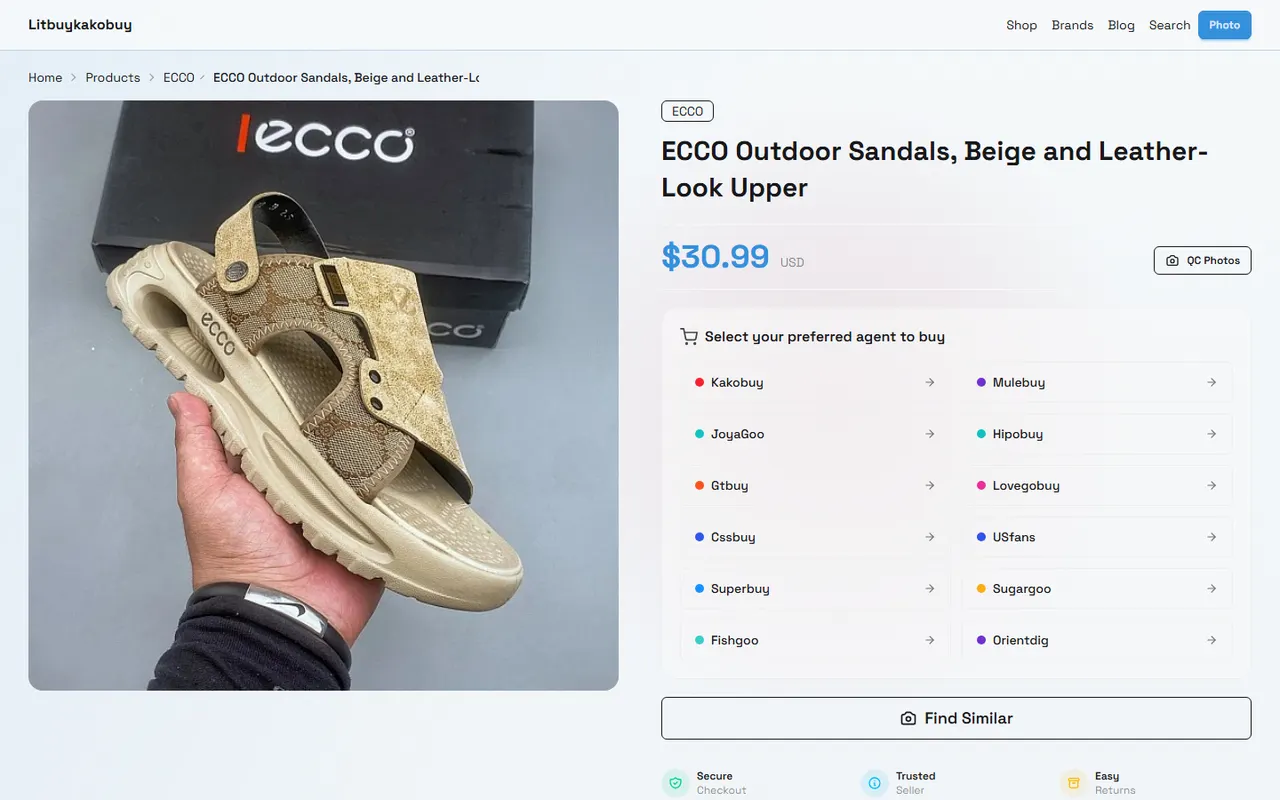
Kakobuy Walking Shoe Price Tracking: Website Spreadsheet vs Google Sheets
Walking shoe prices are affected by product specifications, seller adjustments, promotions, domestic shipping within China, exchange rates, and international shipping methods. Recording just one number often fails to determine whether a price has truly dropped or whether changes in size, color, or fee conditions are responsible.
The specific problem this article addresses is how to regularly record candidate walking shoes on kakobuy and compare the website-based Spreadsheet with Google Sheets in terms of viewing, filtering, and long-term maintenance. After reading, you can create a verifiable price record that distinguishes between the current displayed price, historical prices, and unconfirmed promotional information.
This article does not apply to situations where the spreadsheet price is treated as the final settlement amount, nor to old records that lack product links, specifications, or verification dates. Actual product prices, inventory, promotions, shipping, and route conditions on kakobuy should be based on the page and checkout information on the day of verification.
Clarify the Frequency and Purpose of Walking Shoe Price Tracking
Determine the recording frequency before deciding which fields the spreadsheet needs. Walking shoes do not need to be checked hourly. Regular candidates can be reviewed weekly; candidates awaiting promotions, size inventory changes, or those ready for purchase can be checked again before ordering.
A valid record should at least answer the following questions:
Which shoe was recorded
Which size, color, and seller were recorded
What was the product price displayed on the page that day
Whether domestic shipping within mainland China is included
What promotions were used or whether promotions are only pending confirmation
On what date and in what currency was the price recorded
What information needs to be verified next
It is recommended to divide price tracking into three states:
Current displayed price: the product price seen on the page on the day of verification.
Historical record: the price saved on a past date, used for comparison.
Unconfirmed promotion: promotions that appear in search results, activity notifications, or personal notes but have not yet been confirmed on the order or checkout page.
This avoids writing "possible savings" directly as "money already saved". 📌
If you only need to decide whether to open a candidate product, short-cycle records are sufficient; if you plan to compare multiple sizes, different sellers, or different shipping options, you should keep complete historical records.
Browsing Path for kakobuy Website-Style Spreadsheet
The website-style Spreadsheet is more suitable for quickly browsing curated candidate products. Its advantage is that you can view by columns immediately after opening, without designing formulas first, and it is convenient to keep products, categories, and basic descriptions on the same page.
You can follow this order when using it:
First confirm that the page belongs to the product or content environment of litbuykakobuy.net, not a search engine cache, redirect page, or a tab without clear product information.
Find walking shoe candidates by product name, category, or existing classification.
Open the specific product record and verify the name, size options, color, seller information, and current displayed price.
Record the date the product page was displayed, and save a screenshot or internal record number if necessary.
Add the candidate to your own price record and note the items that still need confirmation.
The website-style Spreadsheet is suitable for initial screening, but should not be automatically considered a complete order quotation. Product cost is usually only part of the total cost, which may also include domestic shipping within mainland China from the seller's location to the warehouse, international shipping, and customs-related fees. International shipping is also affected by weight, destination, and shipping method.
If the page shows only one price without clearly specifying size, color, or specifications, mark it as "specifications pending confirmation" when recording, and do not directly rank it against candidates with confirmed specifications.
How to Set Up Price, Promotion, and Date Columns in Google Sheets
Google Sheets is more suitable for long-term maintenance because you can customize fields, filter history, add calculation columns, and assign verification tasks to different people. Start with a minimal usable structure, rather than adding many fields that cannot be consistently filled.
You can use the following columns:
Product name
Product page identifier or internal note
Size
Color
Seller
Current displayed price (RMB)
Domestic shipping within mainland China
Confirmed promotions
Unconfirmed promotions
Record date
Last price
Price change
Information status
Next review date
Notes
"Current displayed price" and "last price" should be stored separately, not overwriting old values. Price change can be calculated as current displayed price minus last price; if the specification or seller has changed, write the reason in the notes instead of treating it as a simple price reduction.
You can set several simple statuses in the sheet:
Verified: product name, specification, price, and date are confirmed.
Specification pending: size, color, or model is incomplete.
Promotion pending: promotion notice exists, but has not been confirmed at checkout.
Price changed: current price differs from last record.
Temporarily not comparable: product page information is insufficient, or candidate conditions are inconsistent.
Regarding exchange rates, do not treat a fixed number as a long-term valid conversion basis. The knowledge record once provided a reference rate of 6.22, but it does not replace real-time exchange rate verification before publication, nor does it prove that bank cards, payment services, or platform settlement will use the same rate. If conversion is needed, record the exchange rate source, conversion date, and whether payment fees are included. 💱
Comparing the Same Candidate on Website and Spreadsheet
The website-style Spreadsheet mainly solves the problem of "where to quickly find candidates", while Google Sheets mainly solves the problem of "how to continuously compare and review". The two do not have to replace each other; you can use the website page as a discovery entry and Google Sheets as your personal record layer.
Comparison item | Website-style Spreadsheet | Google Sheets |
|---|---|---|
Product discovery | Suitable for quickly browsing existing categories and candidates | Requires creating or importing records first |
Historical prices | Depends on whether the page saves history | Can append dates and prices sequentially |
Filtering conditions | Depends on existing fields on the page | Can filter by size, seller, status, and date |
Promotion records | Suitable for viewing page notices | Can distinguish between confirmed and unconfirmed promotions |
Total cost analysis | Usually requires further fee verification | Can add columns for shipping, fees, and exchange rates |
Long-term maintenance | Affected by website structure and page updates | You are responsible for data integrity |
When comparing the same candidate, you must first unify the conditions. The same product but different sizes, colors, sellers, or packaging requirements may lead to different prices and subsequent costs. Only when conditions are consistent are price changes comparable.
It is recommended to keep old records each time you update, rather than just modifying the current row. A simple history record format can be:
"Product name | Size | Color | Seller | Displayed price | Promotion status | Record date | Items to be confirmed".
This way, even if the product page changes later, you can see the basis of the record at that time. 🔎
Distinguishing Current Displayed Price, Historical Records, and Unconfirmed Promotions
The current displayed price only indicates what the page presented at the time of verification; it does not mean that inventory is sufficient or that the final payment amount is determined. Especially for walking shoes, different sizes may have different prices, certain colors may be out of stock, or sellers may temporarily adjust prices.
The role of historical records is to identify changes, not to prove that a price change was caused by a specific activity. If the price changes from one RMB value to another, the spreadsheet should first record the fact of the change, then check whether the following changes occurred simultaneously:
Size or color changed
Seller changed
Product page or specification changed
Domestic shipping within mainland China changed
Coupon eligibility conditions changed
Page displayed price differs from checkout price
Unconfirmed promotions cannot be directly deducted from the product price. New user promotions, shipping coupons, or exclusive redemption codes may be affected by registration status, minimum amount, applicable route, validity period, and product restrictions. The knowledge record once mentioned new user shipping promotion and redemption code kakobuy888, but before use, you should confirm the applicable conditions on the current account and checkout page, and not write it as a fixed discount that all orders can receive.
If you need to compare prices after promotions, you can add two columns: "Estimated amount after promotion" and "Checkout confirmed amount". The former is only for estimation, and the latter can only be filled after the checkout page clearly shows it. 🧾
Different Tools for Quick Viewing and Long-Term Maintenance
If the number of candidates is small and the main goal is to find products quickly, the website-style Spreadsheet saves time. It helps users view the existing product range first and then decide which candidates are worth further checking.
If there are many candidates, or you need to observe over weeks or months, Google Sheets is more suitable. It can record price changes, review dates, and different conditions, and use filters to find candidates that have been unchanged for a long time, recently reduced in price, or have incomplete information.
You can adopt a combined process:
Browse candidates in the website-style Spreadsheet.
Add only candidates related to walking and with clear specifications to Google Sheets.
Add size, color, seller, date, and price for each candidate.
Divide promotions into confirmed and pending.
Recheck the product page, inventory, and checkout amount before ordering.
After arrival at the warehouse, check appearance information such as style, quantity, color, size, and model based on available inspection information.
Inspection mainly helps verify appearance information and does not guarantee sole durability, long-term comfort, or actual walking lifespan. Therefore, price records and quality judgments must be managed separately.
Price Changes Cannot Replace Wearing Cost Judgment
A lower product price does not necessarily mean a lower total cost. The actual cost of walking shoes may also include domestic shipping, international shipping, customs-related fees, payment fees, return/exchange costs, and time costs if unsuitable.
You can compare candidates using this approach:
Total cost estimate = product price + domestic shipping within mainland China + confirmable service fees + estimated international shipping + payment-related fees
This formula is only for estimation, because international shipping needs to be determined based on weight, destination, and shipping method. The knowledge record shows that kakobuy offers multiple logistics routes, with some routes having recorded delivery times of approximately 3 to 20 days, but actual times vary with route, destination, customs, and shipping statuses, and cannot be treated as a promise.
For walking shoes, also consider the following non-price factors:
Whether size information is sufficient to support judgment
Whether upper, sole, and structural materials are clearly described
Whether the seller provides clear specification images
Whether return/exchange is within the allowed period if unsuitable
Whether the product is in a special or restricted return/exchange category
Potential domestic or international shipping costs for returns/exchanges
The service description in the knowledge record mentions that after warehousing, there may be a 120-hour, i.e., 5-day, no-reason return/exchange window, but customized items, restricted items, adult products, intimate clothing, food, and products for which warehouse removal of packaging, tags, or accessories has been requested may not apply. Before publishing or ordering, refer to current platform rules and specific product conditions. 👟
Create an Action Checklist for Next Review
After completing the first record, do not leave just a price. Arrange next steps for each candidate:
Reconfirm that the product page is still accessible
Check whether the same size and color are still in stock
Verify whether the current displayed price includes or excludes domestic shipping within mainland China
Reconfirm coupons, redemption codes, and validity periods
Record the page verification date and currency used
Note the destination and shipping method when estimating international shipping
Compare website records with checkout page amount before ordering
After warehousing, check style, quantity, color, size, and model
If return/exchange is needed, first confirm whether the product is eligible
If the website-style Spreadsheet and Google Sheets show different prices, do not immediately judge which one is correct. Check record dates, specifications, seller, promotion status, and whether pages have changed, then decide whether to update historical records.
The recommended review cycle is: weekly for regular candidates, once before ordering, and immediately after price or inventory changes. For candidates not purchased for a long time, keep historical data, but change the status to "needs re-verification" to avoid mistaking old prices for current quotes.
Savings and Risk Boundaries of the Plan
Using the website-style Spreadsheet for initial screening reduces time spent finding candidates one by one; using Google Sheets to save history reduces time spent on repeated searches and missing price changes. Specific savings depend on product prices, whether promotions are actually applicable, and shipping and fee conditions at checkout, and cannot be calculated solely from the product displayed price.
The added risks are: old prices may become invalid, unconfirmed promotions may not be usable, and the spreadsheet may produce incorrect comparisons due to confusion in sizes, sellers, or dates. Those who plan to maintain price records long-term, need to compare multiple candidates, or frequently review promotions will benefit from the combined use of the website-style Spreadsheet and Google Sheets.
If you are buying only one pair, the specifications are already clear, or you do not have time to maintain historical data continuously, it is not advisable to delay the purchase to build a complex spreadsheet. In that case, simply recheck the product, specifications, current price, promotion conditions, shipping, and checkout amount before ordering, and keep the verification date.
Shopping FAQ for Agent Platforms
1. What product categories can I find in the kakobuy spreadsheet?
The kakobuy spreadsheet includes items such as footwear, clothing, bags, accessories, jerseys, fragrances, hats, scarves, belts, and a variety of household daily necessities.
2. How do I evaluate product quality on kakobuy?
To determine product quality, examine the QC photos provided by kakobuy. Do not depend only on factory images, since those are often edited. Use the QC photos to verify that the product matches your detail requirements before you decide to make a purchase.
Additionally, avoid items with extremely low prices, as they are usually not of very good quality.
Browse our latest products and find your next favorite item.